Versions
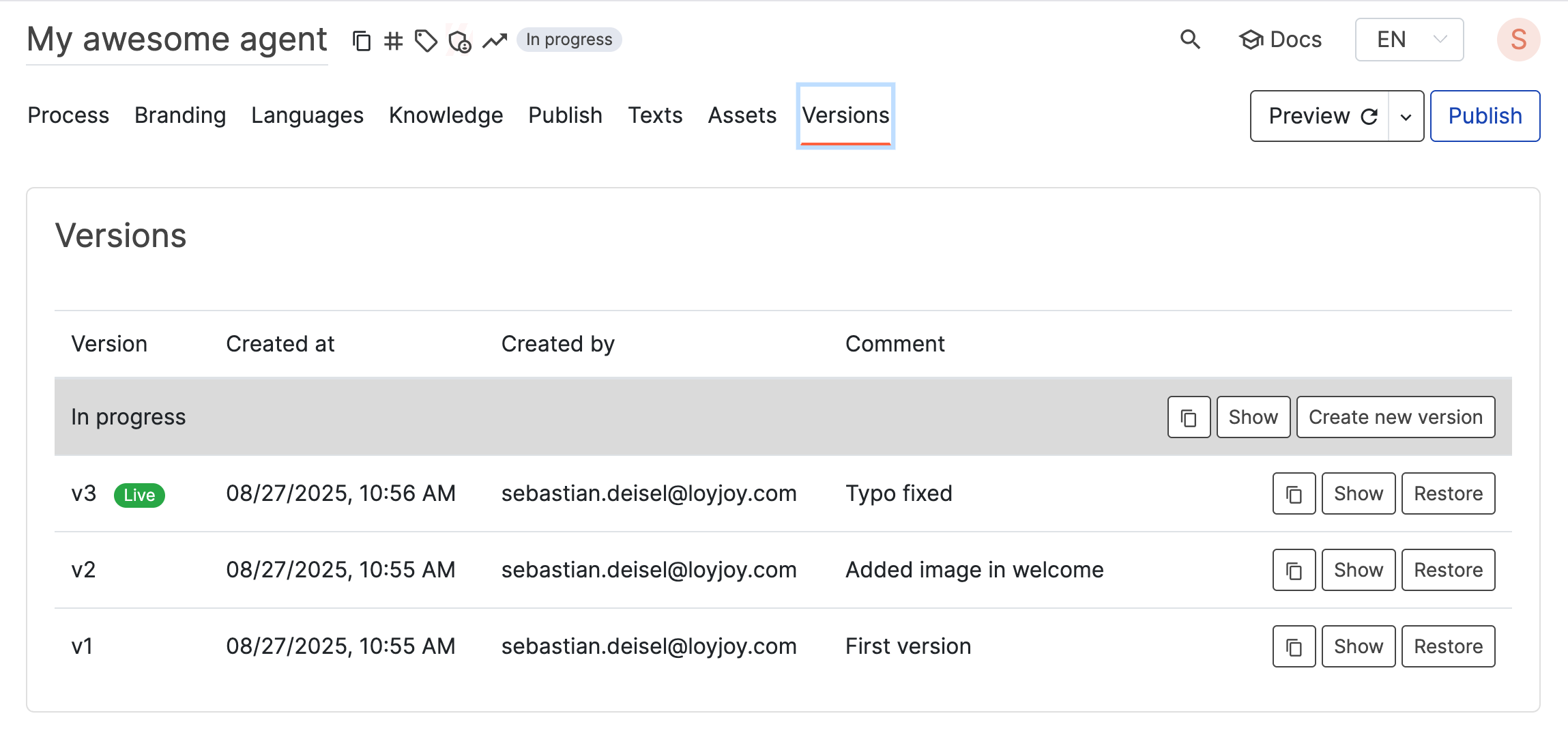
Under the Versions tab you can find a history of all your published versions. Keep in mind that only the most recent 5 versions are stored (available in Enterprise and Unlimited plan).
The first entry in this list represents your In progress version. This is the only version you can edit while other versions are read-only. You can create a new version from your current In progress version to temporary store it.
By clicking on show you can switch between versions, see them in the editor to compare their differences or test its chat flows. The live badge represents a copy of the version that is currently visible to your customers.
Clicking on restore will replace your current In progress version with the selected version. Any unsaved changes will be overwritten. To avoid losing work, it is recommended to create a new version before restoring an old version.
You can further create a copy from each version by clicking on the respective icon and paste it into a new agent.
Compare versions and agents
LoyJoy shows you exactly what changed between two versions or two agents:
- Compare versions: On the Versions tab, choose a left and a right version and click Compare versions. A diff of the two versions opens, showing every added and removed line.
- Compare with another agent: Click Compare with another agent to open the comparison and select two agents, each with a specific version. The two agents are shown with the changes highlighted. You can open the same dialog from the process list via the Compare entry in the agent menu.
- Compare changes with live version: In the publish dialog, Compare changes with live version shows the diff between your current in-progress changes and the version your customers currently see. Use this to check exactly what you are about to publish.
In the diff view you can restrict the lines to Added, Changed or Removed only, search within the diff, and hide the unchanged context. Summarize with AI creates a natural-language summary of the differences between the two versions or agents.