Birthdate Module
Introduction
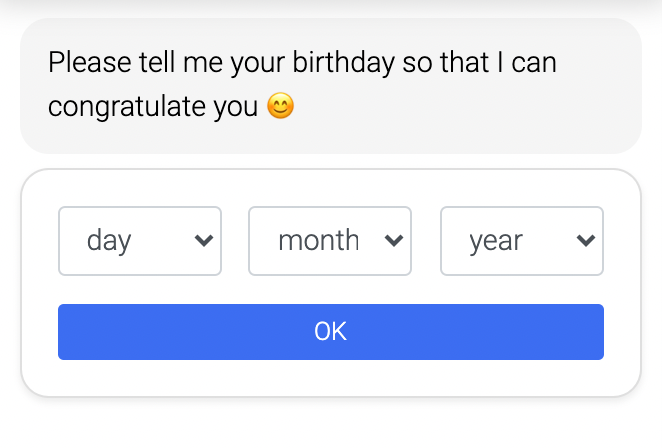
Ask for your customer's birthday and save this date if necessary.
Typical Use Cases
When a newsletter registration takes place in the chat, this can be used to save the date to congratulate on the birthday by newsletter. Furthermore helpful for promotions, as well as when a minimum age is required.
How to Use the Module
Minimum age
By adding a minimum age the drop-down menu with the birth years will start when this age is reached. This feature is optional.
Other texts
Here you can add different intros/reactions/placeholders.
Sign in
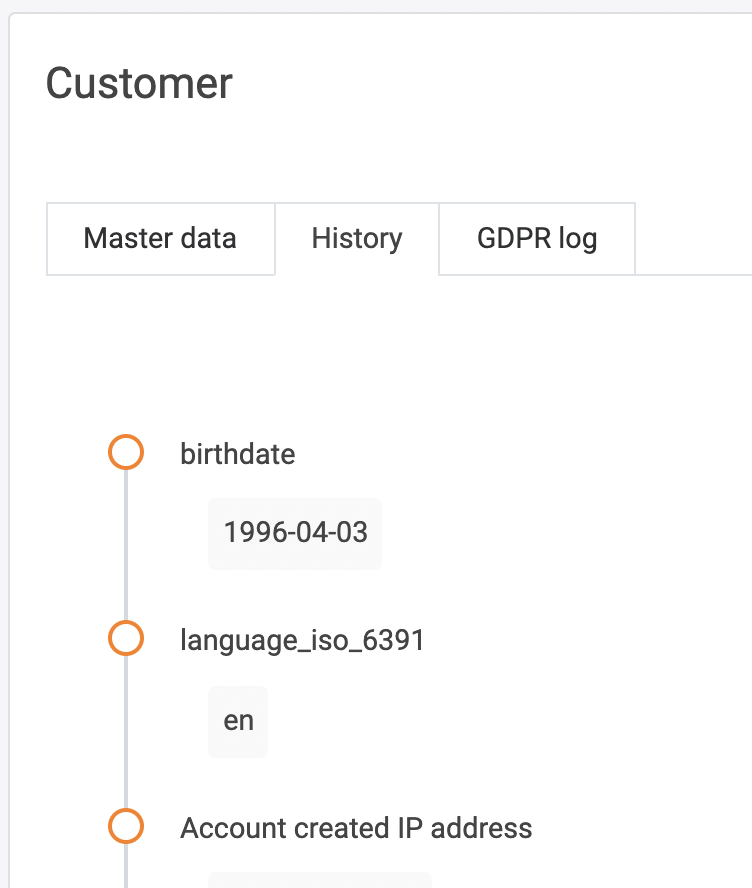
If the customer is authenticated via the login, you can find his date of birth as shown below (location). It will be saved as a variable in any case, so you can export it via csv.
Location
Authenticated customers date of birth are shown under the customers menue.
Click on the customer and go to the history tab.