Handover via Email Module
Introduction
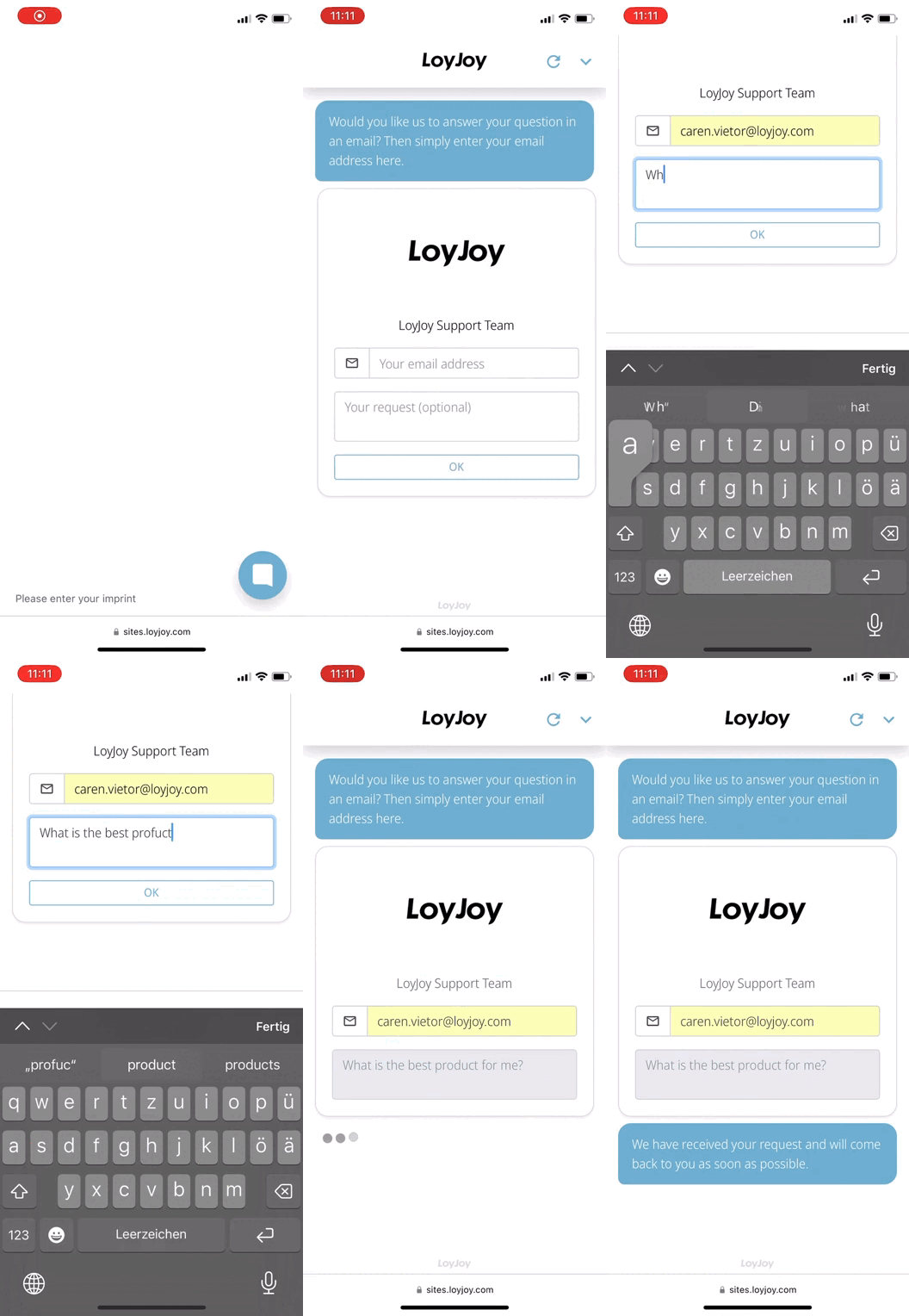
Let customers get in touch with your team via email.
Typical Use Cases
This module is the perfect solution for support requests, offer consultations and many more!
How to Use the Module
Contact email
Enter the email address where customer requests will be sent.
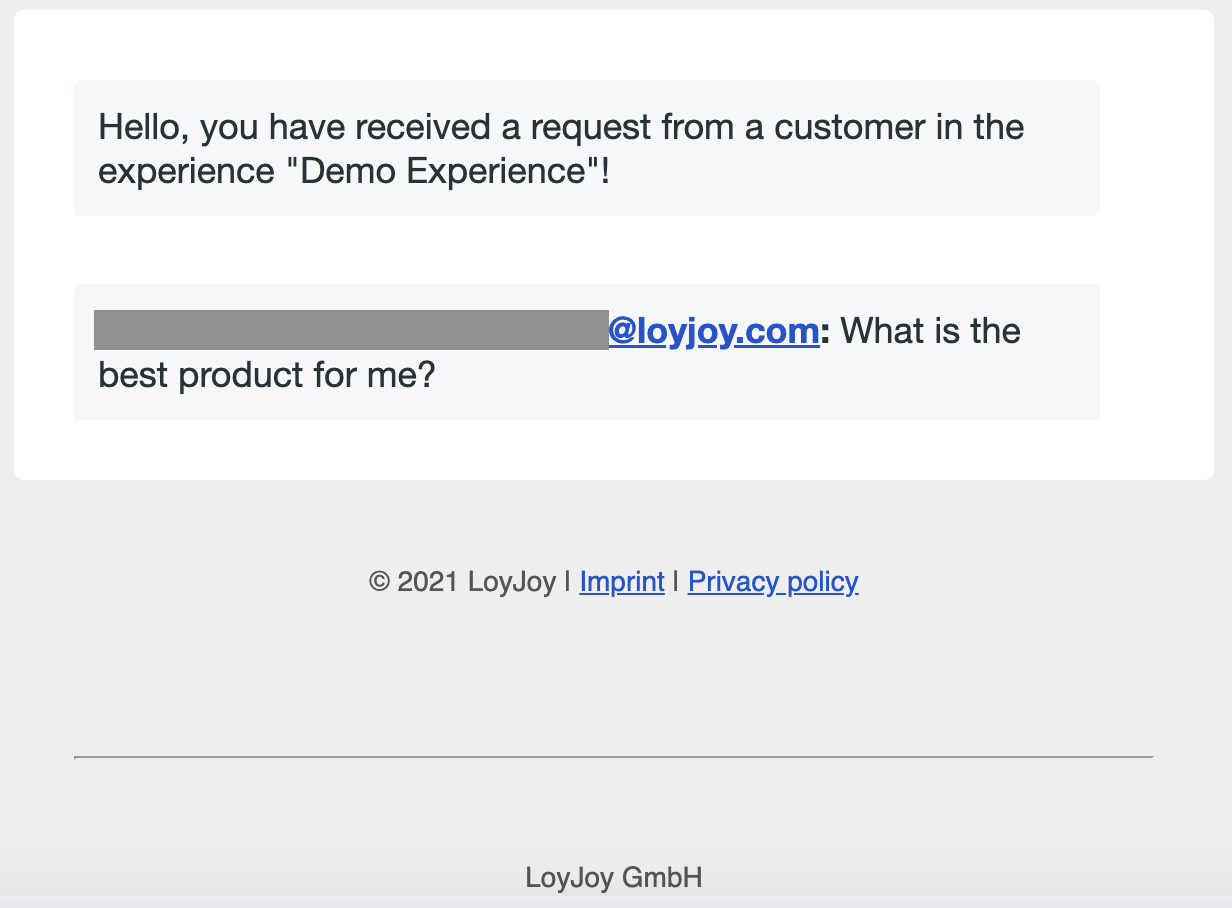
The core feature is the email, which will be sent to the specified address. The content can be customized using an email template. If no template is provided, a default one will be used. Include variables like ${email} for the customer's address. If the email has been provided beforehand (e.g., via the email module), this field will be pre-filled.
Default template
Additional Contacts / Assignment rules
Add rules to determine multiple receivers of the request. By using conditions where you specify variables, you are able to connect different requests with different receivers. For cases where no rule applies, the default contact information above is used.
Other texts
Change every text like the placeholders or introduction message.