Image Gallery Module
Introduction
The Image Gallery module allows you to add up to five images that customers can swipe through. Each image can optionally have a title. This module is perfect for showcasing visual content in an engaging and interactive way.
Typical Use Cases
This module is ideal for displaying image collections, product photos, or any visual content you want to present in a gallery format.
How to Use the Module
Adding Images
You can add up to 5 images to the gallery. Each image can be given an optional title to provide context or additional information.
Display in Chat
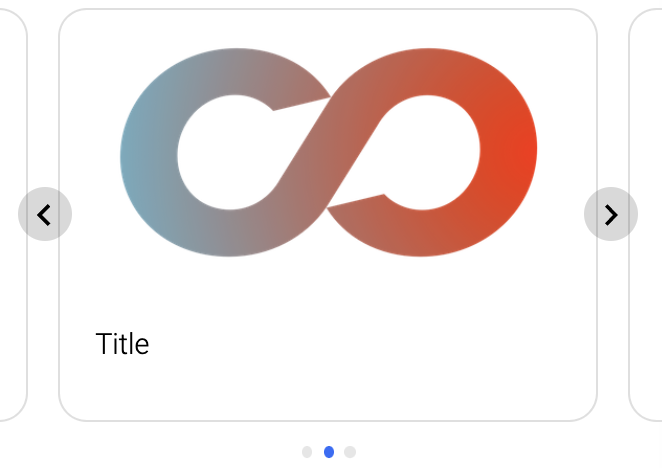
The images will be displayed in a slider format within the chat. On smartphones, users can swipe through the images for a seamless agent. Clicking on an image will display it in a larger view.
Recommendation
We recommend using PNG-type images for the best quality and compatibility.
Considerations for Extensive Use Cases
For more comprehensive scenarios, such as displaying detailed information about products or a larger collection of items, consider using the Article Gallery module. The Article Gallery module allows you to present detailed views with all relevant information for each article, making it suitable for more extensive presentations.