Gender Module
Introduction
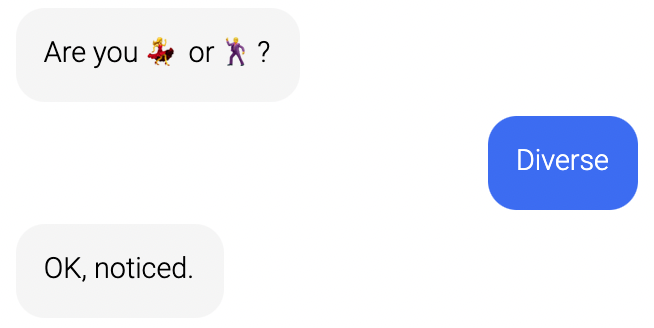
Ask your customer for their gender.
Typical Use Cases
How to Use the Module
Storage
If you want to store this information in association with your customer, you must have a sign-in module somewhere before the gender module. If you are not using the sign-in module, you can still use this information in the conversation by using the "gender" variable with the following syntax: ${gender}.
Value
The value of the gender does not depend on the text you can edit. These are the values:
- Female:
female - Male:
male - Diverse:
diverse
Other texts
Here you can add an intro and a message which will be sent after the consumer input.
Sign in
The consumer must be signed in order to save this data.
Database
Your customer database has to be activated by LoyJoy to use all the Sign-in functions.