Prizes Gallery Module
Introduction
Display multiple prizes for raffles or sweepstakes.
Typical Use Cases
Enhance your raffle by allowing participants to view prizes before engaging, or they can skip directly to the questionnaire.
How to Use the Module
Add Prize
Add as many prizes as you'd like, providing each with a name, description, and image.
Prize Visibility
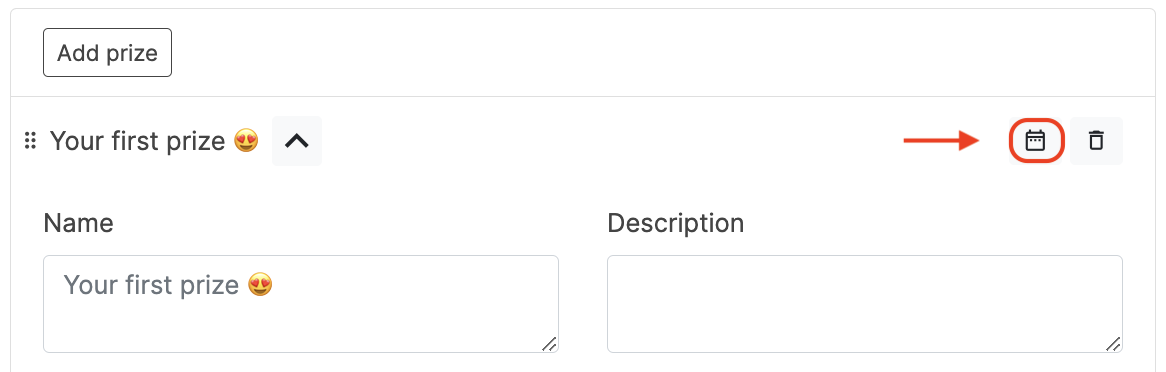
Each prize can be shown within a defined start and end time window.
Adjusting Text Case for Form Titles
You can adjust the text transformation for the Prizes Gallery in the Branding section, under Form title and then Title. Choose 'Uppercase' for all capital letters or 'None' for normal capitalization.
Other Texts
Customize all relevant text fields according to your needs.
The Prizes Module is designed to display prizes but does not handle actual prize redemption. For prize redemption, consider using other modules like the Loyalty Redemption module, which enables customers to claim rewards based on their accumulated loyalty points.